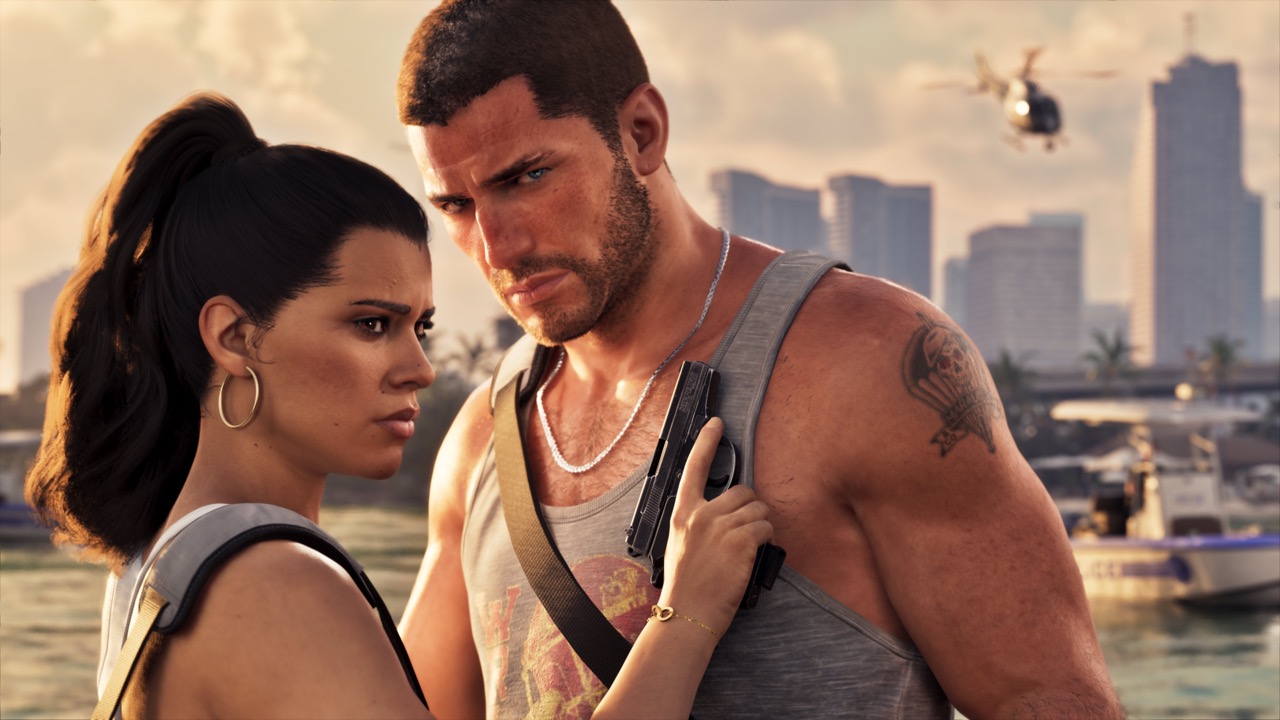
GTA 6 PS5 backgrounds: find the Welcome Hub artwork
Five GTA 6 backgrounds have been reported for PS5’s Welcome Hub. Here is the documented menu route and what this feature does not change.
Official GTA 6 artwork, not a capture of the PS5 background-selection menu.
Coverage: Five GTA 6 backgrounds have been reported for PS5’s Welcome Hub. Here is the documented menu route and what this feature does not change.
Use this: Launch-week practical help
PS5 / Xbox Series X|S unless a platform is explicitly specified; exact build not independently tested
No story spoilers · Sources checked
The linked reports were read on November 21, 2026. This is source-led reporting, not an independent GTA 6 Watch playthrough.
GTA VIReady to explore?Open guide4 sections · Practical tips and source-led adviceStart readingClose guideWhere the images appear
RockstarINTEL reported on November 19 that five GTA 6 backgrounds had been added to the PS5 Welcome Hub. These are backgrounds for that hub, not a replacement for every console menu and not evidence of a new system-wide dynamic-theme feature. The article credits a community report and illustrates existing promotional artwork.
Source: RockstarINTEL ↗
Open the background picker
Open the PS5 Welcome Hub. If a New Backgrounds Available notice is displayed, use it to reach the picker. In the documented interface, select Change Background, then Games, then the GTA VI folder. Choose the artwork you prefer and follow the console’s selection prompt. This procedure concerns the console interface, not a menu inside GTA 6.
Source: RockstarINTEL ↗
What the selection contains
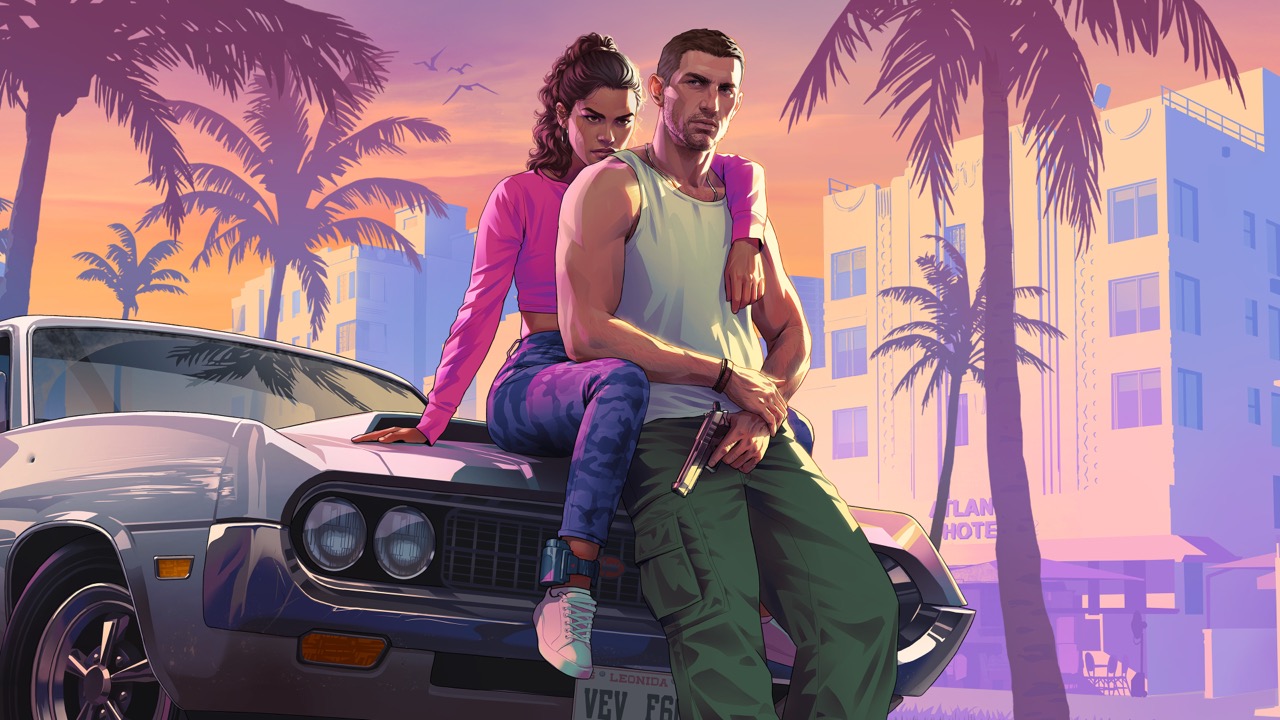
The reported set comprises five previously seen marketing images, including Jason and Lucia artwork and the final promotional poster. Do not mistake the appearance of an existing image in this menu for a newly released gameplay screenshot or a secret unlocked by story progression. The source does not describe a mission requirement for the backgrounds.
Source: RockstarINTEL ↗
If your menu differs
First confirm you are looking at Welcome Hub rather than an individual game’s home tile. If the GTA VI folder is absent, do not reset your console or delete your save. The report does not provide an account-by-account or regional rollout schedule, and we cannot guarantee simultaneous availability. Check your current console interface and PlayStation’s own support information rather than purchasing an entitlement based solely on this guide.
Source: RockstarINTEL ↗
How to read this
Use the original source for the full context and any follow-up.