GTA 6 save planning: keep your current progress before revisiting a mission
Eurogamer reports 15 manual slots and no mission-replay menu at launch. Here is a cautious save-management plan, with the limits of that report made explicit.

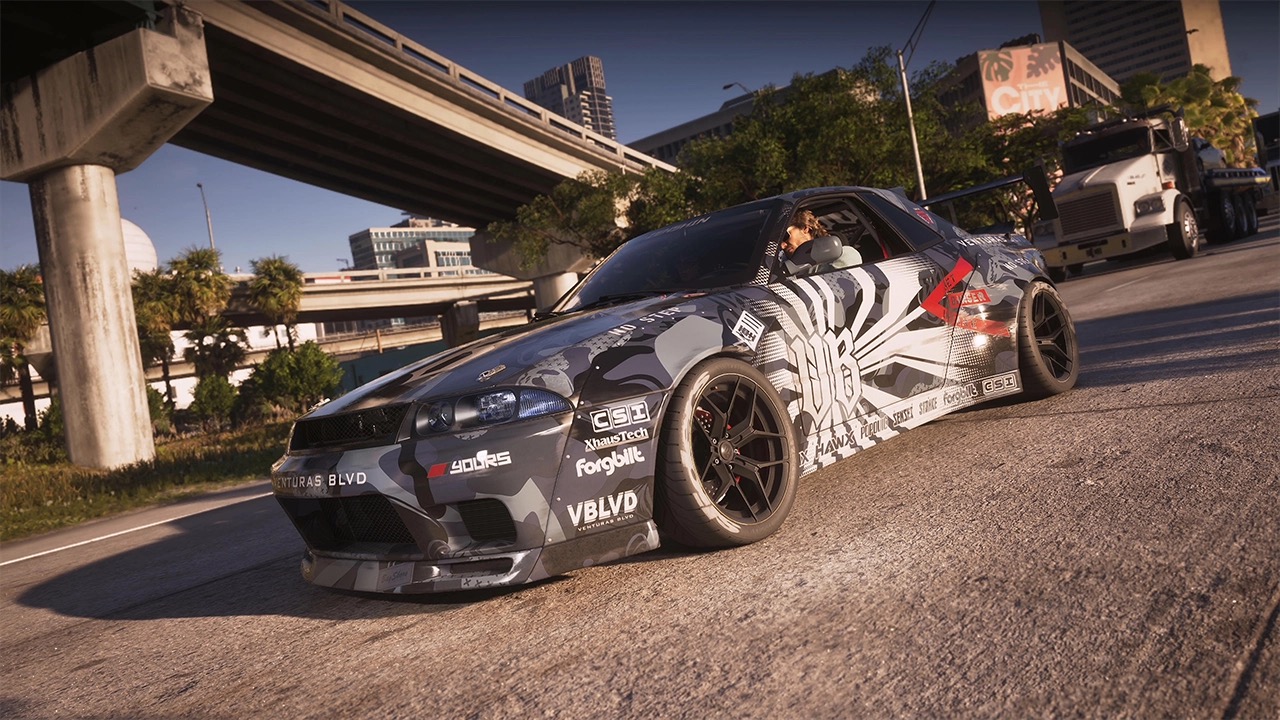
Official GTA 6 screenshot. Illustration for progression planning, not a save-menu capture.
Coverage: Save planning, not mission-by-mission replay
Use this: Before loading an older save
PS5 / Xbox Series X|S; build-specific behaviour not independently tested
No story spoilers · Sources checked
Sources consulted on 2026-11-21. Source-documented launch save limits plus clearly marked editorial planning advice. No save restoration or gameplay test performed. No procedure was reproduced in GTA VI by GTA6 Watch during this review.
GTA VIReady to explore?Open guide7 sections · Practical tips and source-led adviceStart readingClose guideQuick answer: preserve the current state first
Eurogamer says its reviewer found no mission replay after more than 100 hours of play and reports 15 manual slots plus an autosave. A separate earlier save can preserve a point you want to revisit, but it is not a replay mode that automatically keeps your later progress. Our advice is to retain a current-progress save before loading any older state.
Source: Eurogamer ↗
What this guide can and cannot establish
This is a planning guide for an existing playthrough, with no story spoilers. The cited report does not supply a button-by-button save-menu route, exact saving restrictions or a tested build number. We therefore do not reproduce GTA V menu instructions as if they applied to GTA VI. Use the labels actually shown in your game when it permits a manual save.
Source: Eurogamer ↗
1. Separate current progress from replay checkpoints
Decide which slots you must retain before writing a new save. The following is our organisational advice built around the reported slot limit, not a procedure we have tested in the game.
- When manual saving is available, preserve your current state in a slot you can identify without overwriting a checkpoint you still need.
- Keep a note of the save’s displayed time, progression and purpose. Use your own notes if the interface does not offer custom names.
- Before deliberately loading an older save, check that a separate current-progress file exists. Do not rely on an assumption that autosave will keep every earlier state.
Source: Eurogamer ↗
2. Plan the next checkpoint, not a complete mission library
Fifteen reported slots cannot be assumed to preserve the start of every mission. Choose checkpoints according to what you want to revisit, and make them before starting that sequence where saving is allowed. There is no evidence here for a particular completion percentage guaranteeing a useful checkpoint.
- Identify the next sequence you personally want to keep before starting it.
- Use a spare slot where the game allows saving. If saving is unavailable, do not overwrite another file in an attempt to force a checkpoint.
- Before reusing a slot, check its timestamp and purpose against your notes. Keep your newest progress separate from the old branch.
Source: Eurogamer ↗
What to expect when returning to an older state
Treat the old file as a separate point in your playthrough. Do not assume money, unlocks or choices earned later will merge into it. This article is not evidence for a specific branching outcome, a missable reward list or cross-save support. Keep the newer file until you know which state you intend to continue.
Source: Eurogamer ↗
Blocked saving, lost progress and later patches
The source provides no verified recovery method for a corrupted or overwritten file, no cloud-conflict procedure and no exhaustive list of places where saving is blocked. If the problem is recovery rather than planning, preserve the files you still have and consult support for your platform before deleting or replacing anything. This launch-era observation must be rechecked if a later update adds replay.
Source: Eurogamer ↗
November 23 autosave fix
Rockstar fixed an autosave issue on both console platforms. If a session ends with an older timestamp than expected, check which patch is installed and inspect your existing manual slots before overwriting one. The patch notes address future save behavior without offering a method for recovering a missing session.
Source: Rockstar Support ↗
How to read this
Use the original source for the full context and any follow-up.