How to find the official GTA 6 map and check your download
Use Rockstar’s own media library for the Leonida map. This guide covers the observed download entry, file checks and spoiler limits, not collectible completion.
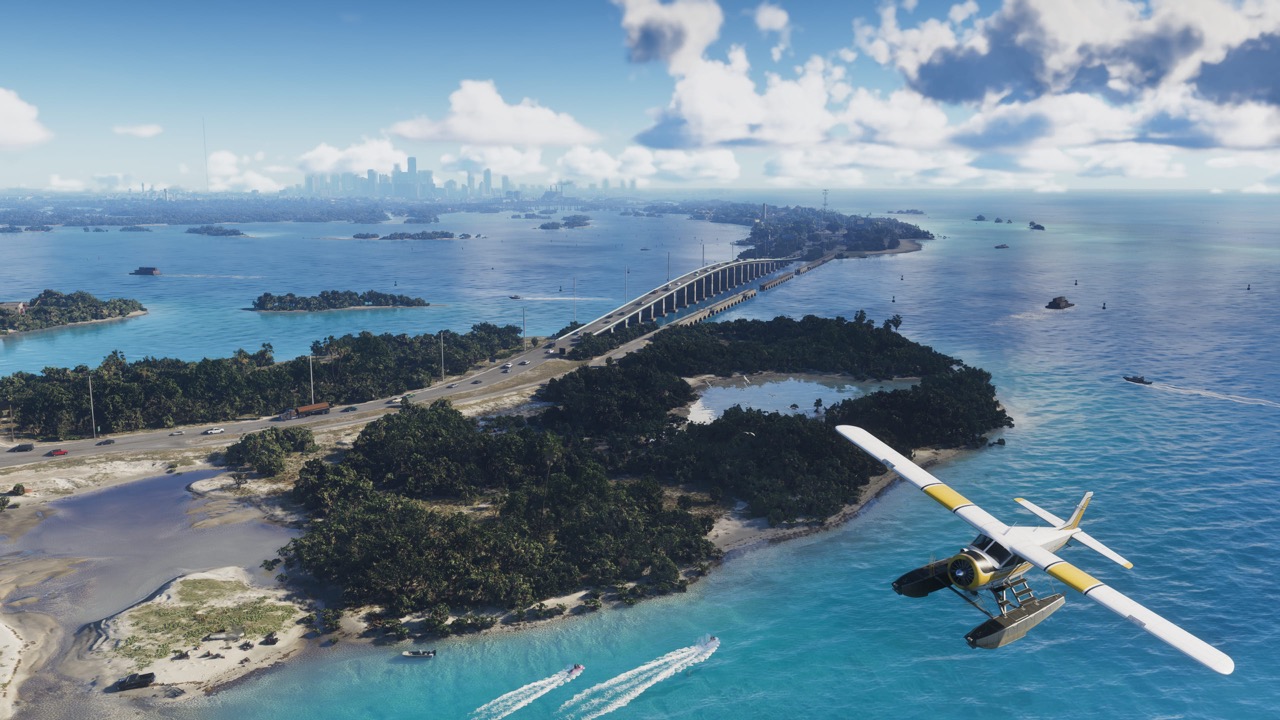
Official GTA 6 landscape screenshot. The downloadable map is linked in the guide.
Coverage: Official map entry, not a completion tracker
Use this: When you need world orientation
PS5 / Xbox Series X|S; build-specific behaviour not independently tested
Map geography · Sources checked
Sources consulted on 2026-11-21. Official map entry observed in a browser; download completion, file dimensions and printing were not independently tested. No procedure was reproduced in GTA VI by GTA6 Watch during this review.
GTA VIRead at your own paceOpen guide6 sections · Map geographyReveal guideClose guideSpoilers stay hidden until you choose to open.
Quick answer and spoiler warning
Rockstar’s GTA VI media library contains an entry for the Leonida map and cover-art poster. We opened that entry in a browser and saw a Leonida map download control on 21 November. Opening the map can reveal geography you have not reached. No story progression or game ownership requirement was displayed for browsing the media page.
Source: Rockstar Games media library ↗
1. Open the official entry
Use the official link below rather than a reposted thumbnail. The browser displayed French labels during our check; wording depends on the site language. The guide remains in English, and the French interface is not evidence for different game content.
- Open Rockstar’s GTA VI media library using the source link below.
- Find the Leonida map and cover-art poster entry. In the French interface it reads “Carte de la Leonida et affiche de l’illustration de la jaquette”.
- Open that entry and select the Leonida map rather than the cover poster. Review the offered download option.
Source: Rockstar Games media library ↗
2. Check the file before printing
RockstarINTEL reports a launch printable map of 5775 × 7900 pixels and about 44.5 MB. We did not complete the download or measure that file in this audit. Treat those numbers as reported specifications, not a checksum or a guarantee that Rockstar has not replaced the asset.
- After downloading from Rockstar, open the file and check that it is the map, not a cover image or an error page.
- Inspect its actual dimensions in your image viewer. A saved preview may be smaller than the printable file.
- Use print preview to check orientation, paper size and scaling before using ink or paying for a print. These are general file-handling recommendations, not a tested printer configuration.
Source: RockstarINTEL ↗
If the download entry does not appear
Confirm that you are on Rockstar’s media library and not a social-media preview. Check the site’s current collection selector or the featured map entry. We verified the entry’s presence, not every browser’s download behaviour. If no download is offered, use the source page to check again later; this guide does not provide an unofficial mirror or ask you to install a downloader.
Source: Rockstar Games media library ↗
What the map does not tell you
A static map is an orientation aid. It does not read your save, mark completed collectibles or establish which locations your story state allows you to enter. Check the in-game map for your active objectives. This page contains no verified collectible count, chapter-by-chapter exploration route or 100% checklist.
Source: RockstarINTEL ↗
Personal downloads, reuse and physical copies
Linking to a download is not a licence for us to republish its imagery. We have not reproduced the map here or copied a competitor’s annotated version. Check Rockstar’s terms for your intended use. The report also mentions a forthcoming physical map; it does not establish current stock, shipping cost or delivery time. A downloadable map and a merchandise purchase are separate things.
Source: RockstarINTEL ↗
How to read this
Use the original source for the full context and any follow-up.