GTA 6 hidden controls: useful contextual actions on PS5 and Xbox
A quick reference for reported camera, combat, driving and vehicle interactions, with default button mappings and context checks.
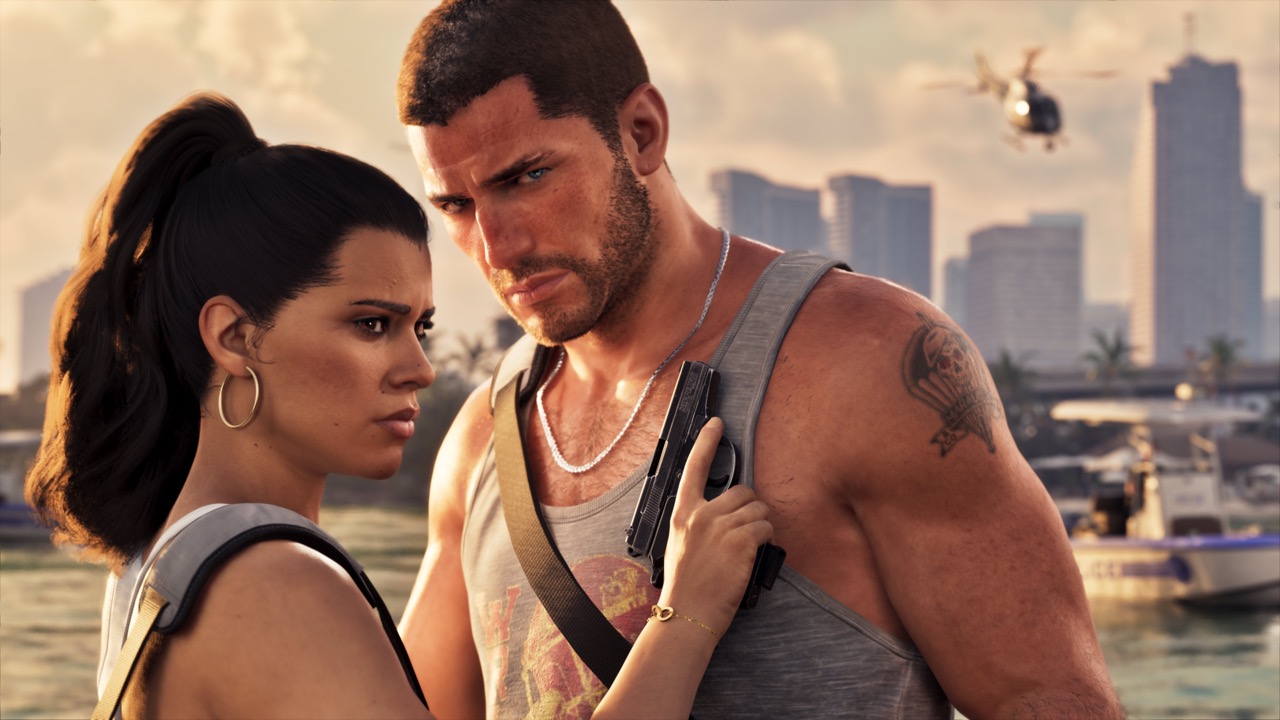
Official GTA 6 screenshot. Button mappings are described in the guide, not displayed in this image.
Coverage: A quick reference for reported camera, combat, driving and vehicle interactions, with default button mappings and context checks.
Use this: Launch-week practical help
PS5 / Xbox Series X|S unless a platform is explicitly specified; exact build not independently tested
No story spoilers · Sources checked
The linked reports were read on November 21, 2026. This is source-led reporting, not an independent GTA 6 Watch playthrough.
GTA VIReady to explore?Open guide6 sections · Practical tips and source-led adviceStart readingClose guideStart with the context, not just the button
RockstarINTEL’s November 21 compilation combines community discoveries and its own notes. The same button can perform different actions depending on whether you are walking, aiming, driving or standing beside an object. Check the current prompt before testing a shortcut. These are reported default mappings, not a guarantee for a remapped layout or every vehicle.
Source: RockstarINTEL ↗
Look more closely and change your aim
The report describes holding L2 on PS5 or LT on Xbox while unarmed, then pressing R3 or RS to inspect more closely, with R2 or RT used for zoom. While aiming, Left or Right on the D-pad switches shoulders. The reported combat roll uses the aim trigger, a direction on the left stick and Cross on PS5 or A on Xbox. Practise away from a mission firefight rather than experimenting with unfamiliar controls during an objective.
Source: RockstarINTEL ↗
Small actions when you are on foot
Holding L3 or LS can rest the character against a suitable railing. Holding Circle or B near a wall or car produces a contextual lean. Left on the D-pad switches the hand carrying an object. These depend on your position and the available interaction; a missing prompt is not proof that your controller is malfunctioning.
Source: RockstarINTEL ↗
Driving: tap and hold are not interchangeable
RockstarINTEL reports that holding R3 or RS looks behind the vehicle, while a tap triggers a road-rage interaction. Circle or B toggles lights with a tap and ducks with a hold. Left and Right on the D-pad operate indicators; a double Left accesses the radio. A double press of Triangle or Y when leaving a car is reported to leave its engine running, unlike the normal exit. Test while parked where possible and do not assume the vehicle is secured afterward.
Source: RockstarINTEL ↗
Vehicles and boats are not an autopilot system
The compilation describes pushing a vehicle by pressing L3 or LS at its front or rear. It also reports that double-pressing Triangle or Y at a boat helm lets you leave the controls while the boat keeps moving. That is not collision avoidance or a safe automatic route. Use open water and take control again before approaching a dock.
Source: RockstarINTEL ↗
If an action does not work
Stop, check whether you are aiming or holding an item, move closer to the relevant surface, and consult the game’s displayed controls. Restore a familiar control layout before retrying. The source does not supply a reproducible compatibility matrix for every animation, accessibility configuration or patch; we do not label the entire list personally tested.
Source: RockstarINTEL ↗
How to read this
Use the original source for the full context and any follow-up.