GTA 6 Unwanted Attention walkthrough
Recover the impounded Phoenix, escape pursuit and finish the delivery and disguise objectives.
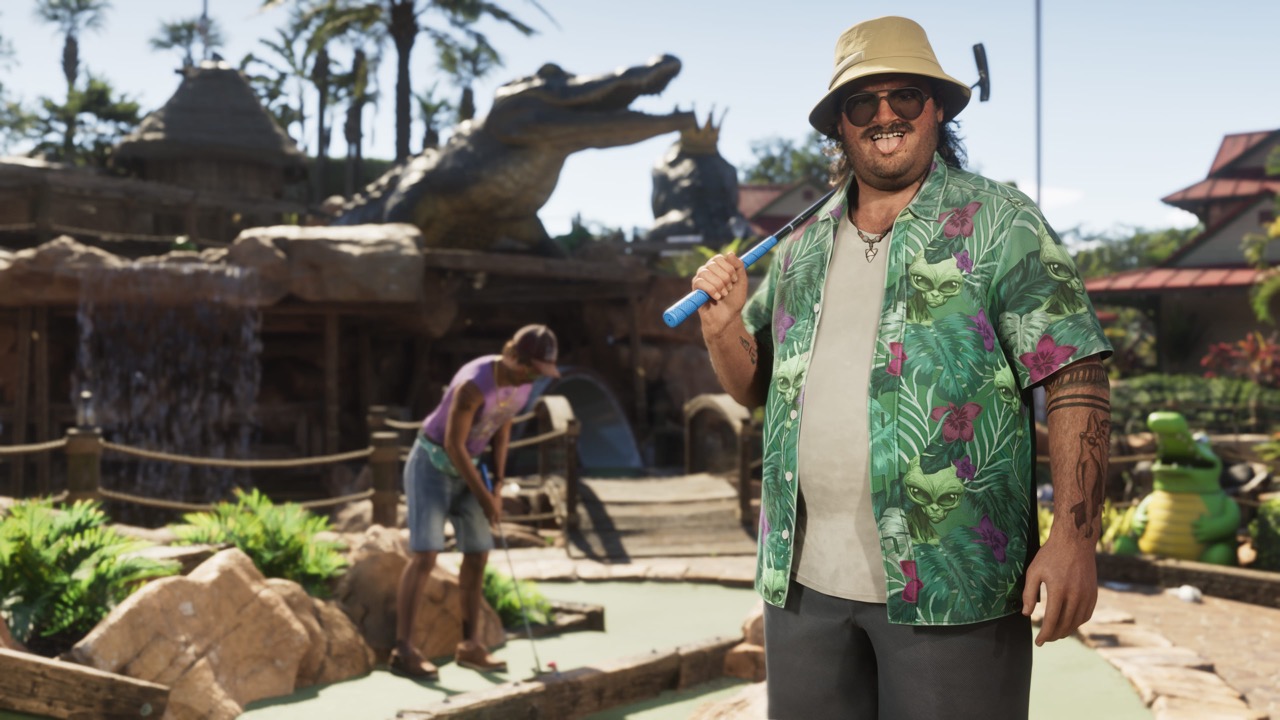
Official screenshot of Cal Hampton, who gives the impound-recovery job.
Play as: Jason · Chapter 1 · Jason
Start here: After Gone Fishing, look for Go See Cal. The early jobs do not require a single universal order.
PS5 and Xbox Series X|S; follow displayed prompts for your layout. Exact build not supplied.
Source-led walkthrough compared against IGN and PowerPyx, not personally reproduced in-game by GTA 6 Watch.
GTA VIRead at your own paceOpen walkthrough5 sections · Mission spoilersReveal guideClose guideSpoilers stay hidden until you choose to open.
Quick answer
Meet Cal, recover the Phoenix from the impound, lose pursuit, repair and repaint it, then complete the delivery and outfit change.
1. Meet Cal and approach the impound
Find Cal fishing on Corsair Key, north of Key Lento. Take his Bison truck toward the impound on Penny Bun Street in Hamlet. The phone scanner is introduced during the job; follow its tutorial rather than searching for a separate purchasable gadget.
The walkthroughs describe an eastern fence gap and pallets beside a blue container as an approach into the lot. Move carefully and identify the red Imponte Phoenix on the tow truck before provoking a pursuit.
2. Release and start the Phoenix
Inspect the tow truck for the release interaction. IGN places the switch on the driver’s side near the hook; PowerPyx summarizes the action differently. Follow the visible release prompt at the truck instead of forcing a specific unverified button mapping.
Enter the Phoenix and follow the hotwiring prompts. A container associated with a cut-off tool is optional and not the required way to acquire the car during this Chapter 1 job. Do not abandon the mission to look for an unavailable tool.
3. Escape before trying to enter the garage
The sources describe pursuit after recovering the vehicle. IGN offers a fence escape, while PowerPyx describes using the gate. Take an available exit and focus on breaking line of sight rather than matching a single photographed route.
Lose the active police search before trying to enter the marked service garage. A garage that will not admit you while wanted is not necessarily a mission bug. Avoid driving directly back into an officer’s view while waiting for the search to end.
4. Repair, repaint and deliver
Complete the mission repair, then repaint the Phoenix a colour other than red, as IGN specifies. Follow the remaining route through Peyton’s Scrapyard and on to Brian’s garage behind McClane Ventilation Specialists.
Collect the $150 from the desk when prompted. IGN also describes a later $200 mailbox payment following Cal’s text; PowerPyx’s reward summary emphasizes the desk money. Check the actual messages rather than treating every reward as immediate cash.
5. Finish the appearance-change objective
Change the requested accessories and visit Big Shots next door for the outfit change. Follow the clothing objective until the mission is complete; delivering the car is not the last step in the walkthrough.
Recognition and an active Wanted search are related but distinct. A new hat or outfit is not a guarantee that officers will ignore you in plain sight. Optional first-aid pickups are useful detours, not requirements to collect every object before leaving.
Sources and related help
Source-led walkthrough checked 2026-11-21. No independent in-game test, exact build number or screenshot reuse permission is claimed.
Plan your saves · Adjust controls and accessibility · All guides