GTA 6 Island Dreams walkthrough
Take Kenton’s diving party to the wreck, read the metal detector and handle the return to the boat.
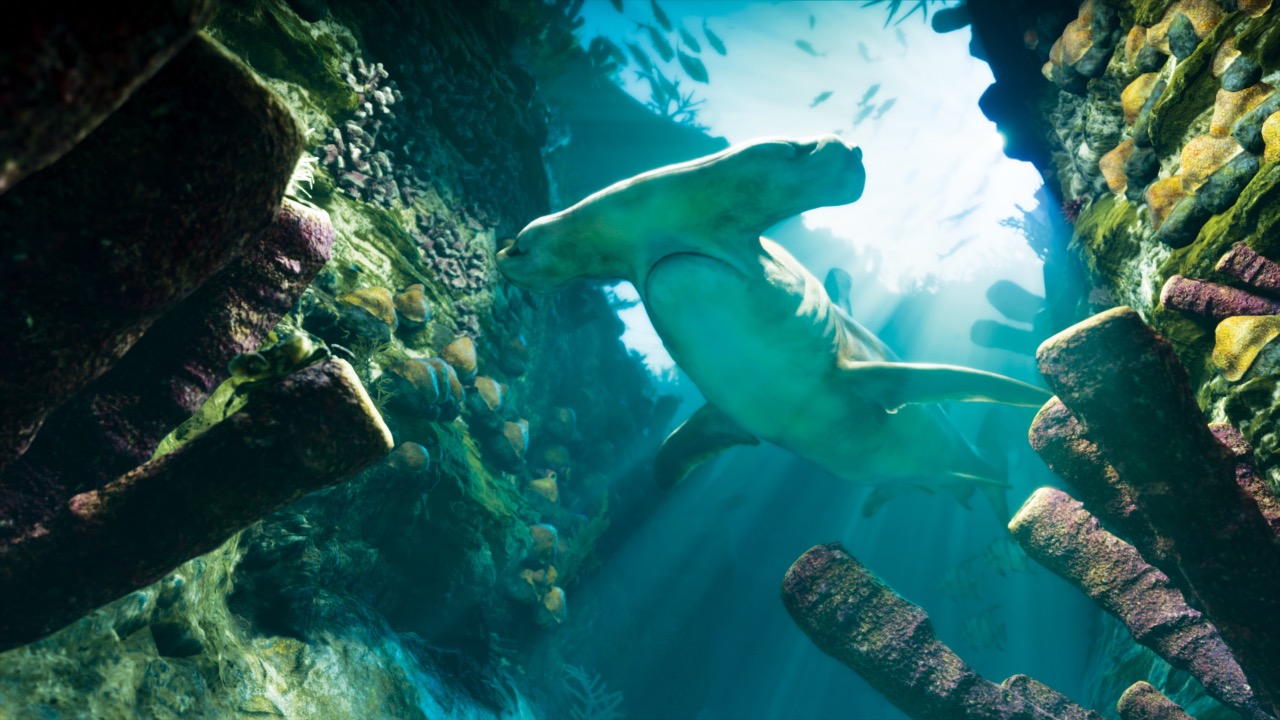
Official GTA VI underwater screenshot distributed through Edge. It illustrates diving, not the mission’s exact wreck or shark encounter.
Play as: Jason · Chapter 1 · Jason
Start here: Complete Hey Arnold! and check Kenton’s marker at his Island Dreams shop in Key Lento, according to PowerPyx.
PS5 / Xbox Series X|S; use your displayed prompts if controls are remapped.
Cross-checked against the linked walkthroughs, not an independent GTA 6 Watch playthrough.
GTA VIRead at your own paceOpen walkthrough5 sections · Mission spoilersReveal guideClose guideSpoilers stay hidden until you choose to open.
Quick answer
Equip the scuba gear at the marked dive, follow the trench and search the seabed with the detector. Respond when the rescue objective appears, free Dobbs and prepare the harpoon before returning to the surface.
1. Meet Kenton and take the boat to the dive
Speak to Kenton at Island Dreams in Key Lento. The job combines escorting a bachelor party with searching a wreck. Board his boat and follow the objective to the offshore dive, rather than stopping at an unrelated underwater marker.
At the destination, interact with the scuba equipment at the back of the boat and enter the water. PowerPyx identifies an oxygen indicator when the relevant HUD elements are enabled. Follow your displayed movement prompts; this guide does not infer Xbox button mappings from PlayStation screenshots.
2. Lead the party through the trench
Swim through the underwater passage toward the wreck, keeping the group and objective in view. Do not leave the search to chase an unrelated collectible while the escort is active.
VGC notes that scuba equipment is context-sensitive and can unequip after returning to land. A missing detector on shore is therefore not, by itself, evidence that the mission failed or that you lost the equipment permanently.
3. Sweep the seabed with the detector
Select the metal detector from the equipment wheel and aim around the highlighted search area outside the wreck. A green signal indicates you are pointing near treasure; the flashes become more frequent as you close in. Move slowly enough to find the interaction prompt on the seabed, then collect the item.
PowerPyx describes three treasure pickups before the rescue objective; VGC describes the rescue appearing during the search and emphasizes that the wreck can be revisited later. Follow the current objective in your own game rather than delaying a rescue to force a particular writer’s count. Neither account requires you to finish every future underwater collectible in this introductory trip.
4. Free Dobbs and prepare for the shark
When prompted, approach Dobbs at the wreck and lift the grate trapping him. Start escorting the group back toward the boat. Equip the Arras Bullhead harpoon before the return is interrupted.
Aim carefully at the approaching shark and account for the weapon’s arcing trajectory. VGC warns that a distant shot can fall short; PowerPyx describes two hits driving the shark away. Keep attention on the encounter rather than treating that shot count as a guarantee under every condition.
5. Return to the boat and check the follow-up
PowerPyx documents both survival and death outcomes for Dobbs, with different closing dialogue. The safest route for protecting the party is to deal with the shark promptly. This guide does not invent a hidden reward for either outcome.
Finish the surface sequence. VGC reports that Kenton then makes his boat available for later trips, opening the way to more underwater exploration. You can return to treasure locations rather than restarting this mission simply because you did not exhaust the wreck. Our solution ends at that unlock; it is not a complete catalogue of underwater discoveries.
Sources and related help
Source-led walkthrough checked 2026-11-25. No independent in-game test, exact build number or screenshot reuse permission is claimed.
Plan your saves · Adjust controls and accessibility · All guides