How to claim the GTA+ month included with a digital GTA 6 pre-order
Already pre-ordered GTA 6 digitally? The included month of GTA+ is a separate benefit to redeem through your platform, not a reason to wait for the game to unlock. Rockstar explains different claim windows for PlayStation and Xbox, and the membership renews at the normal monthly price unless cancelled.
 SOURCE IMAGE
Before you begin
Use the same platform account that bought the eligible digital edition. Rockstar specifies purchases before November 20, 2026. The month can be claimed before the game releases; it is not a trial that must wait for launch day. Confirm that the account and region meet the offer requirements, then review the store’s redemption screen before accepting.
PlayStation: redeem on the GTA+ product page
Open the GTA+ product page in PlayStation Store while signed into the purchasing account. Follow the offer shown there and check that the initial month is at no additional cost. PlayStation gives eligible buyers until March 31, 2027 to redeem. That later date is the claim deadline, not an extension of the pre-order purchase window. The official offer-terms link in our sources includes the redemption guidance.
Xbox: look in Offers & Credits
Rockstar directs Microsoft Store purchasers to Offers & Credits. The Xbox claim window is 180 days after the purchase, rather than the fixed PlayStation deadline. Use the purchase date on your receipt to check that window. Do not assume that a guide quoting March 31 applies to both consoles; it does not.
Already paying for GTA+?
Existing members can use the same platform redemption process. Rockstar says the extra month extends the next billing date by one month. PlayStation also explicitly includes current subscribers in the offer, alongside new and returning users. Check the resulting billing date in account management instead of expecting a separate second subscription.
Check the renewal before confirming
The included month is followed by renewal at the regular monthly price unless cancelled. Review the next payment date and local price displayed by the store. If you do not want continuing paid membership, use the platform’s subscription-management controls before that payment. A one-month benefit and a non-renewing giveaway are not the same arrangement.
If the offer is missing
First check the purchasing account, edition, platform and purchase date against the official terms. If those match but redemption still fails, contact the relevant platform or Rockstar Support with the order details. The reward is limited to one redemption per platform account; refunding and pre-ordering again does not generate another included month. Do not buy a second copy just to troubleshoot an absent offer.
How to read this
Use the original source for the full context and any follow-up.
Related GTA 6 coverage
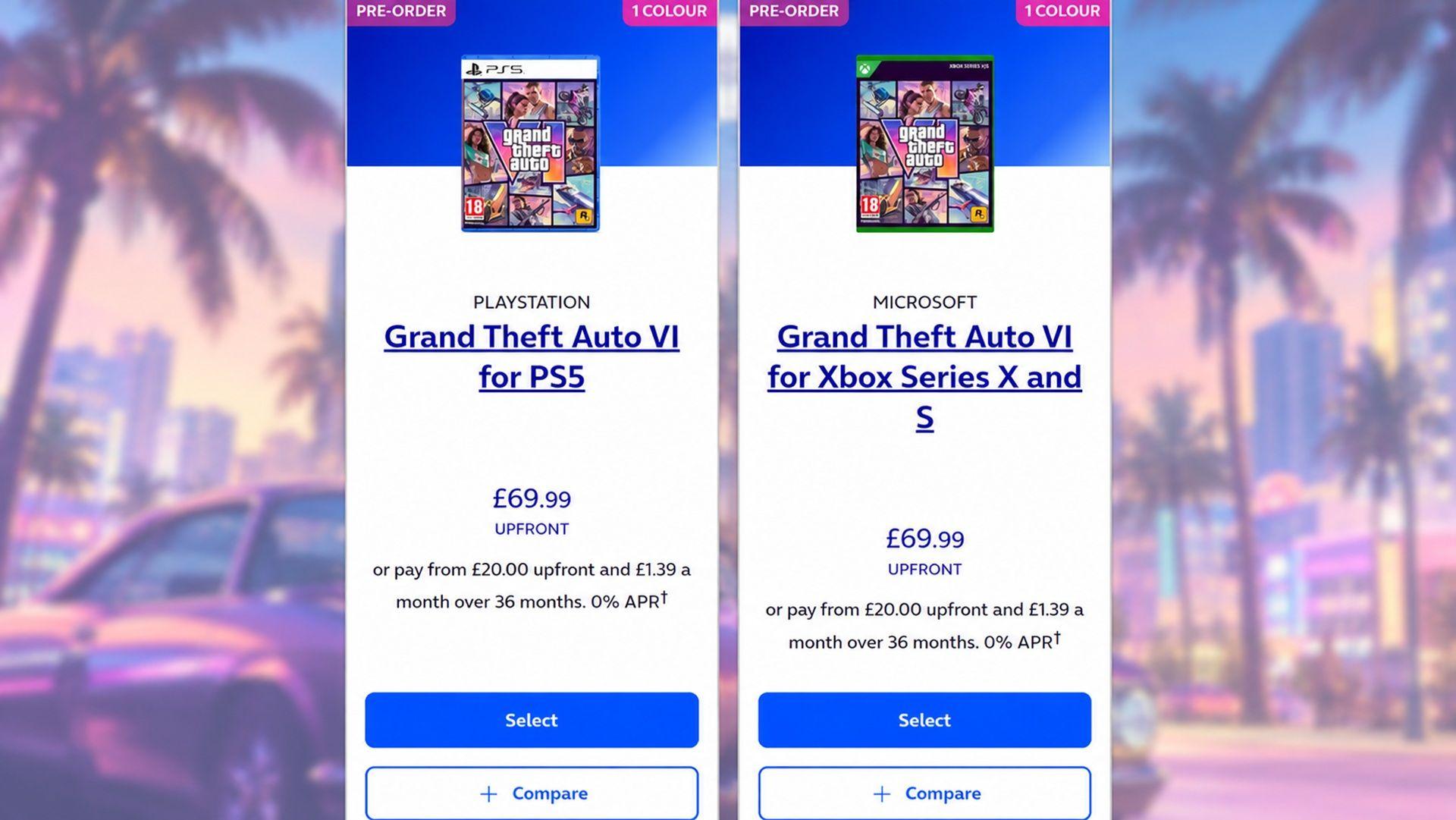
O2 offers GTA 6 on 0% finance: £20 upfront and £1.39 a month for three years
Virgin Media O2 Newsroom · 2026-09-21

GTA 6 police memory: TGG’s unconfirmed wanted-system claim
TGG · 2026-09-09
Why Digital Foundry Thinks Even a GTA 6 PC Version Will Struggle to Hit 60 FPS
GTA BOOM · 2026-08-30